> For the complete documentation index, see [llms.txt](https://messagebird.gitbook.io/applications/llms.txt). Markdown versions of documentation pages are available by appending `.md` to page URLs; this page is available as [Markdown](https://messagebird.gitbook.io/applications/payments/bird-pay-beta/concepts/payments.md).
# Payments
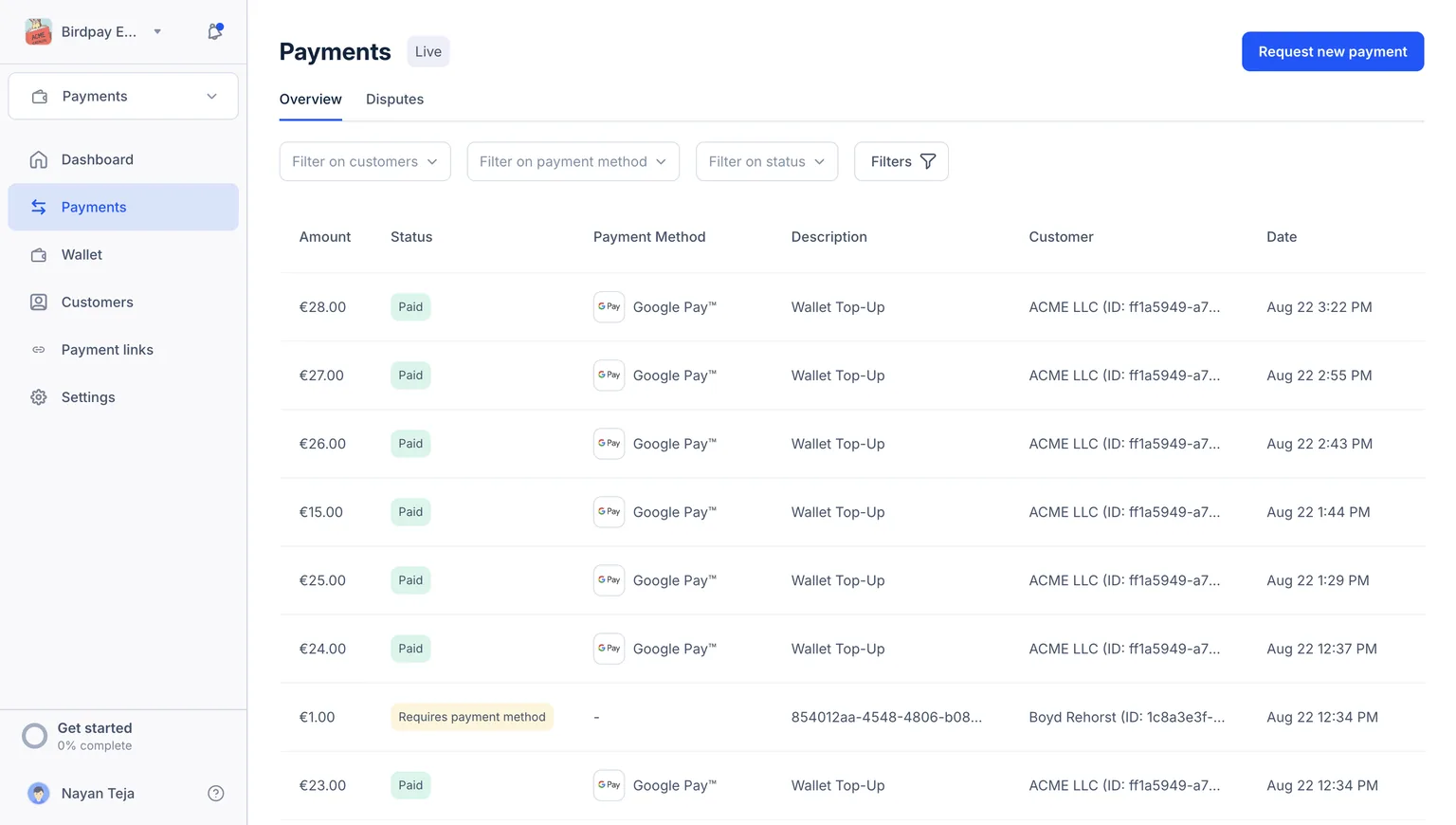
Payments feature provides a chronological list of your customers' transactions using Bird Pay. This overview helps you track and review each payment, offering detailed insights into transaction dates, amounts, payment methods, customer information, etc.
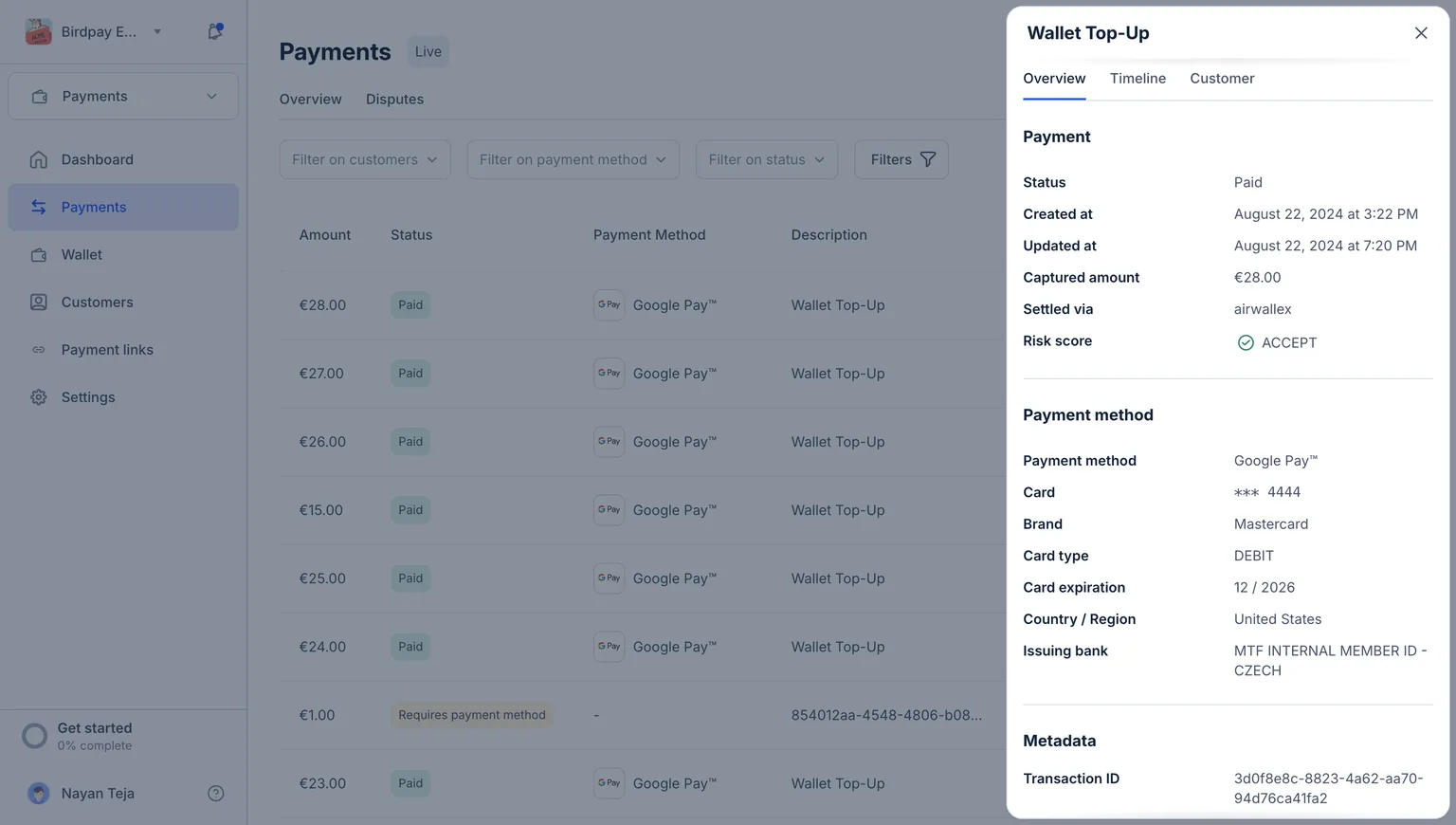
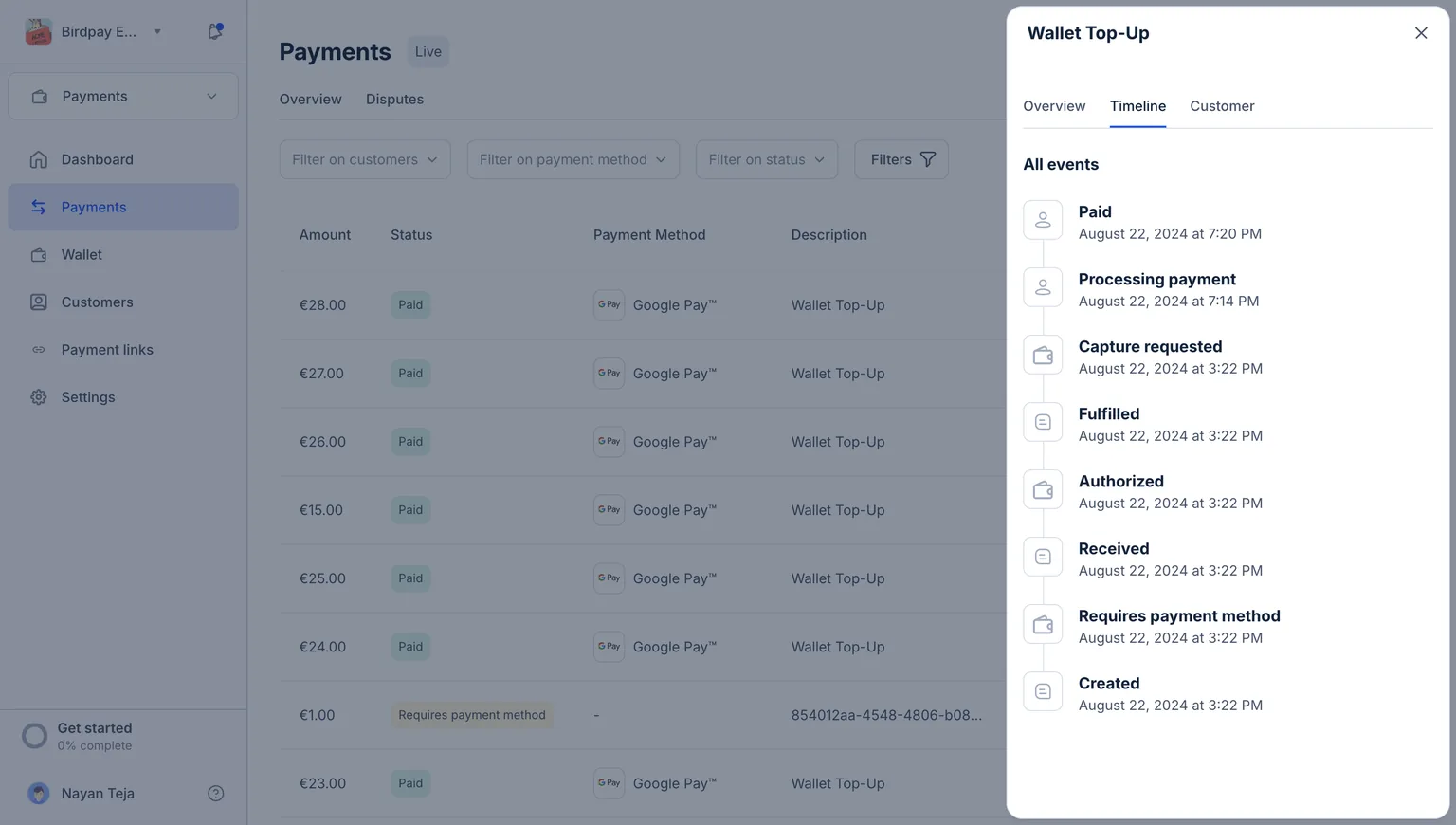
Each payment has an overview tab, along with a detailed timeline and customer view, to give you complete details in one view.
Overview
Timeline view
{% hint style="info" %}
Tips:
* Payments only capture the incoming transactions from your customers into Bird Pay.
* For any outgoing transactions, please refer to [Transfer](/applications/payments/bird-pay-beta/concepts/wallet/transfer.md)
{% endhint %}
## Payment Status
Payment status indicates the current state of a transaction, such as pending, completed, failed, or refunded. It helps track the progress of payments, ensuring you know whether a transaction has been successfully processed, is still in progress, or has encountered issues.\
\
Following is the list of payment statuses in Bird Pay, along with their definitions:
1. **Requires Payment Method** -> Customer has yet to choose the payment method
2. **Requires Authentication** -> Customer has entered the payment details but has yet to authenticate
3. **Processing** -> Payment attempt authorised but yet to be confirmed
4. **Succeeded** -> Payment attempt is successful but funds are yet to be settled in Bird Pay Wallet
5. **Paid** -> Funds are settled in Bird Pay Wallet
6. **Dispute Need Response** -> The Customer has disputed the payment and needs your response
7. **Refund in process** -> Payment refund is initiated and in process
8. **Refunded** -> Payment is successfully refunded
9. **Unpaid** -> Customer is yet to initiate the payment
10. **Cancelled** -> Payment is cancelled
11. **Failed** -> Payment has failed
12. **Refund Failed** -> Payment refund has failed
13. **Expired** -> Payment method has expired
{% hint style="info" %}
Once successful, payments are settled in your wallet based on the settlement time provided during KYB.
{% endhint %}
##
---
# Agent Instructions
This documentation is published with GitBook. GitBook is the documentation platform designed so that both humans and AI agents can read, navigate, and reason over technical content effectively. Learn more at gitbook.com.
## Querying This Documentation
If you need additional information that is not directly available in this page, you can query the documentation dynamically by asking a question.
Perform an HTTP GET request on the current page URL with the `ask` query parameter, and the optional `goal` query parameter:
```
GET https://messagebird.gitbook.io/applications/payments/bird-pay-beta/concepts/payments.md?ask=&goal=
```
`ask` is the immediate question: it should be specific, self-contained, and written in natural language.
`goal` is optional and describes the broader end goal you are ultimately trying to accomplish on behalf of the user. GitBook uses it to tailor the answer towards what is most useful for that goal.
The response will contain a direct answer to the question and relevant excerpts and sources from the documentation.
Use this mechanism when the answer is not explicitly present in the current page, you need clarification or additional context, or you want to retrieve related documentation sections.